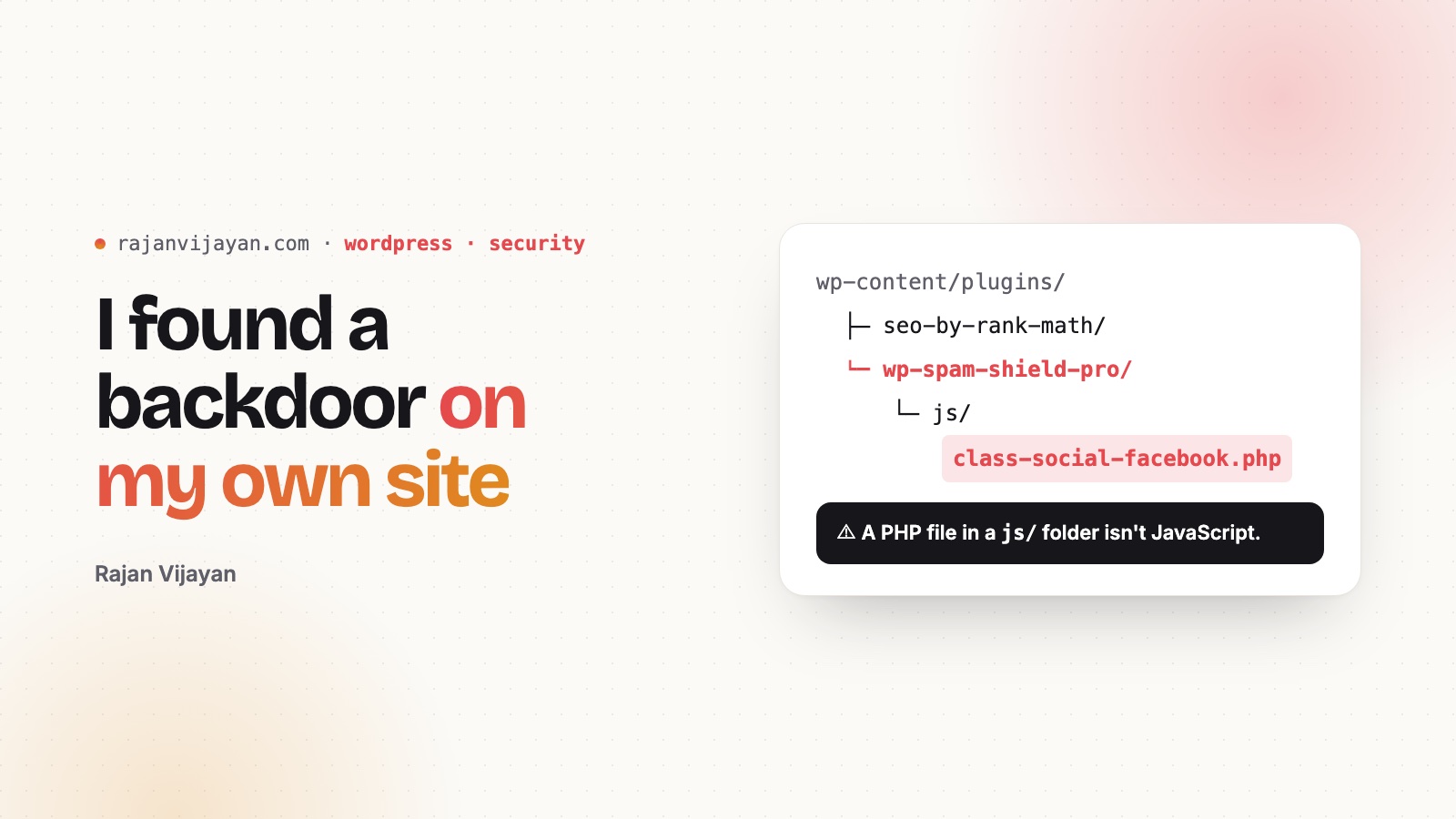
While I was cleaning up this site, I found a backdoor in it.
It sat in a plugin folder called wp-spam-shield-pro, a name that sounds like something you’d want on your site. WordPress didn’t list it as a plugin, because the folder had no plugin header. That was deliberate: nothing to see in wp-admin, nothing to deactivate. Inside a js/ folder there were PHP files with innocent names like class-social-facebook.php. One created a new administrator when a request arrived with the right cookie. Another switched off every active plugin. A third could download a newer version of itself from a remote server.
I’m writing this because I’m a WordPress engineer, and it still happened to me. Here’s how I found it, and the habits I follow now.
How to look for something like this
Core is the easy part. WP-CLI can check every core file against the official checksums:
wp core verify-checksums
wp plugin verify-checksums --all
Then look where things shouldn’t be:
# PHP files in uploads (there should be almost none)
find wp-content/uploads -name "*.php"

# Folders in plugins/ that WordPress doesn't list as plugins
ls wp-content/plugins
wp plugin list --field=name

# Code that loads WordPress directly. Normal plugins rarely do this
grep -rl "wp-load.php" wp-content/plugins wp-content/themes
That last grep is what gave it away. A file under js/ that includes wp-load.php isn’t JavaScript.
Then check the users:
wp user list --role=administratorIf you find one
- Take a copy for evidence, then remove it.
- Change the salts with
wp config shuffle-salts. That logs out everyone, including the attacker. - Change every password: WordPress admins, hosting, FTP/SFTP and the database.
- Look for anything else they left. A backdoor is rarely alone.
- Check your backups. If the backup includes the backdoor, restoring it brings the backdoor back.
Habits I actually follow
- Fewer plugins. Every plugin is code you’re trusting with your whole site. This site now runs one.
- Only install from WordPress.org or the developer’s own site. Never from a “pro version for free” download.
- Turn off what you don’t use. XML-RPC, comments if nobody comments, file editing in wp-admin (
define( 'DISALLOW_FILE_EDIT', true );). - Delete things, don’t just deactivate them. A deactivated plugin is still code on your server.
- Don’t leave installers lying around. Migration tools often leave an
installer.phpin the web root. Delete it as soon as the move is done. - Look at your site’s files once a month. Ten minutes with the commands above is cheaper than a cleanup.
Security isn’t a plugin you install once. It’s a habit of noticing things that don’t belong.