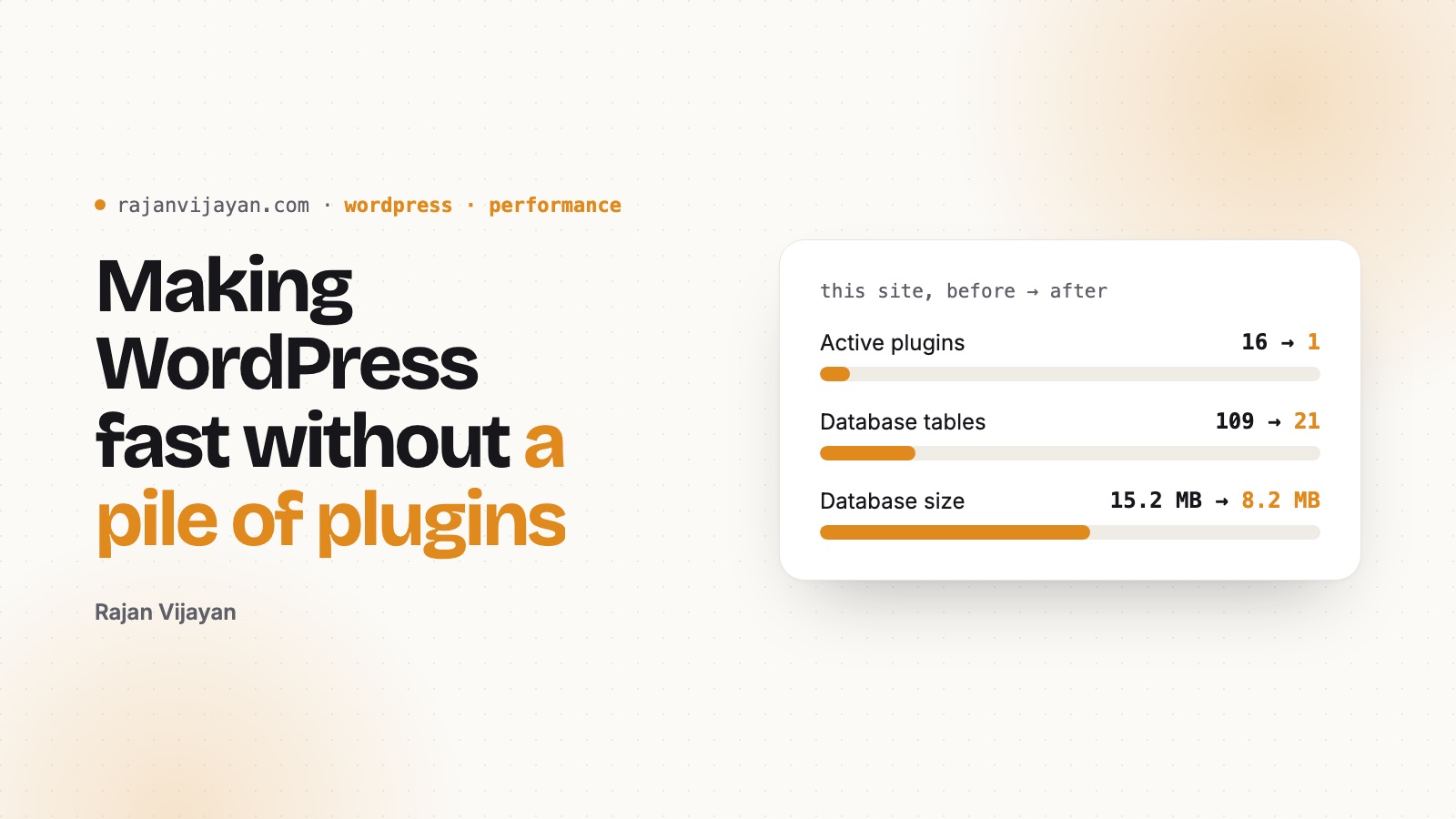
This month I rebuilt this site from scratch. It wasn’t a redesign on top of what was there. I went through every plugin, table and file and asked one question: do I actually use this? Most of the time the answer was no.
Here’s what I found, what I removed, and the small things that made the biggest difference. Nothing in this post needs a caching plugin or a CDN.
The numbers first
| Before | After | |
|---|---|---|
| Active plugins | 16 | 1 |
| Database tables | 109 | 21 |
| Database size | 15.2 MB | 8.2 MB |
| Rows in wp_options | 662 | 178 |
| Rows in wp_postmeta | 6,344 | 497 |
| Uploads folder | 140 MB | 69 MB |
| Theme CSS + JS (gzipped) | a 2014 theme | about 6.5 KB |
My site has 40-something posts. It had 109 tables. WooCommerce, GiveWP, WPForms, MobiLoud, Gravity Forms: I had tried each of them at some point, deactivated it, and forgot. Deactivating a plugin doesn’t remove its tables, options or cron jobs. They just stay there.
1. Find what’s really loading on every request
Autoloaded options are read on every page load, logged in or not. Check them before you install anything to make things faster:
SELECT option_name, LENGTH(option_value) AS bytes
FROM wp_options
WHERE autoload IN ('yes', 'on', 'auto-on', 'auto')
ORDER BY bytes DESC
LIMIT 20;
If the top of that list is full of plugins you removed years ago, you’ve found your problem. Match the rows by prefix (woocommerce_, give_, wpforms…), back up first, and then delete them.
2. Look at cron, too
I had over 40 scheduled events, and most of them were for plugins that weren’t even installed. WP-CLI makes this easy:
wp cron event list --fields=hook,next_run_relative
wp cron event delete some_dead_plugin_hook
3. Every plugin has to earn its place
Some of my plugins did things WordPress or the server can already do. WP Force SSL is one line in your server config. Classic Editor was there for a theme I no longer use. AMP was there for a Google feature that no longer matters. REST API Log was writing a post to the database for every API request: 265 posts of logs.
Before you install a plugin, ask: if I remove it in two years, what will it leave behind?
4. A block theme can be tiny
The theme you’re reading now is a dozen HTML templates, one theme.json and a single stylesheet. There’s no build step and no jQuery. A few things helped a lot:
- Self-hosted fonts with
unicode-range. I write in English and Tamil. The Tamil font only downloads on pages that actually have Tamil text. - CSS for animation, not JavaScript. The reading progress bar uses
animation-timeline: scroll(). Page transitions use@view-transition. Both are a few lines of CSS. - Speculation rules. WordPress 6.8 ships them. I switched the mode to prerender, so the next page is often ready before you click.
- Respect
prefers-reduced-motion. Accessibility is part of performance, not a separate task.
add_filter( 'wp_speculation_rules_configuration', function ( $config ) {
	if ( is_array( $config ) ) {
		$config['mode']      = 'prerender';
		$config['eagerness'] = 'moderate';
	}
	return $config;
} );
5. Uploads are part of the site too
Half my uploads folder was leftovers from plugins: PDF exports, form uploads, placeholder images, and a few files that never should have been public. Look through wp-content/uploads once in a while. You might be surprised what’s in there.
What I’d tell my younger self
Speed isn’t something you add at the end with a plugin. It’s what you get when you keep saying no to things you don’t need. The fastest code is the code you didn’t install.