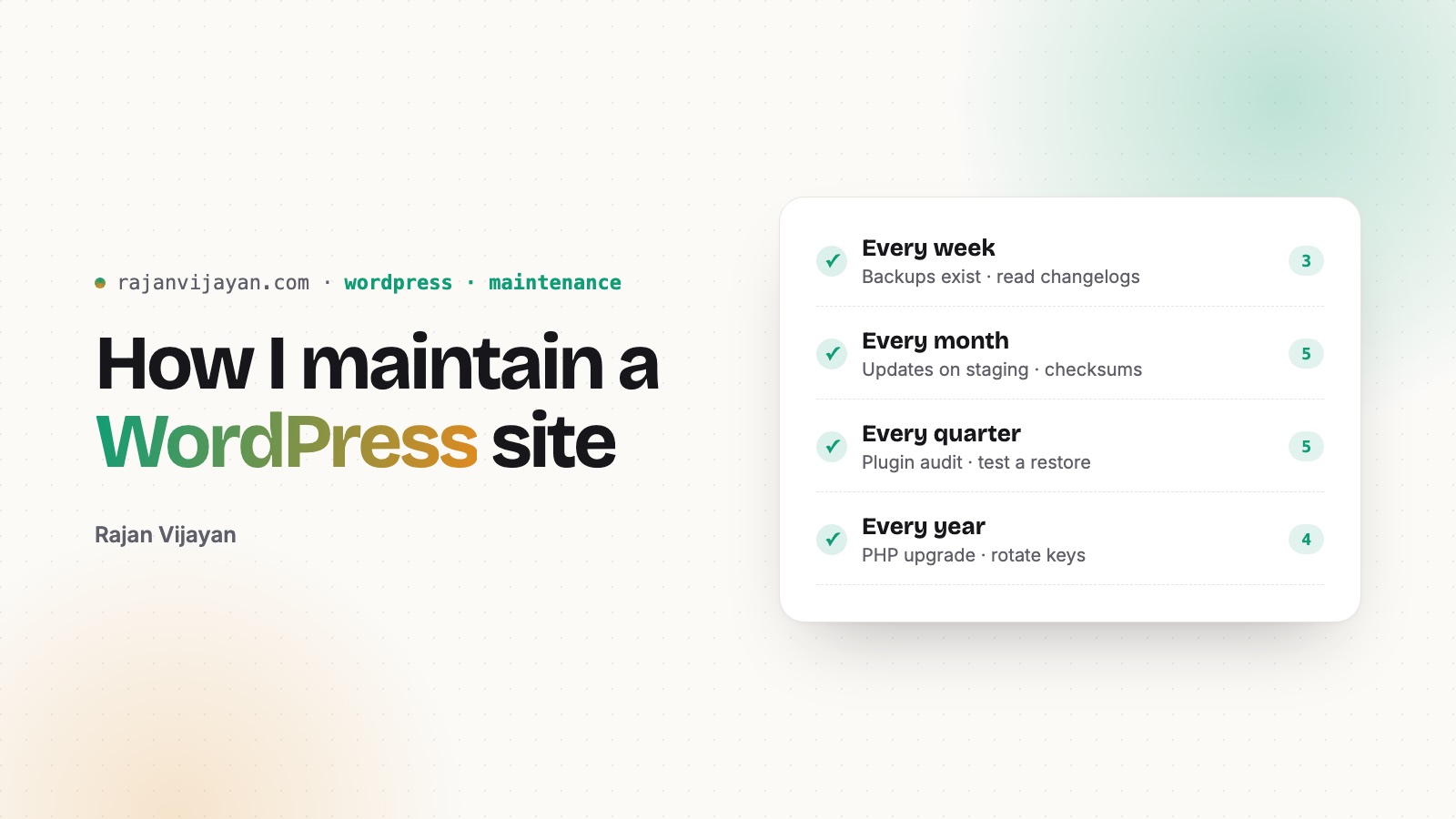
Building a WordPress site takes weeks. Looking after it takes years. This is the checklist I follow for sites I look after. Take it, change it, make it yours.
Every week
- Check that the latest backup exists and isn’t empty. A backup you’ve never restored is a hope, not a backup.
- Read the changelogs for available updates. Look for “security” and “breaking”.
- Open the site logged out on your phone. Most visitors see it this way, and you almost never do.
Every month
- Apply updates on staging first, then production. For small sites, at least take a fresh backup before updating.
- Check file integrity:
wp core verify-checksumsandwp plugin verify-checksums --all. - List the administrators:
wp user list --role=administrator. Is everyone there someone you know? - Read the PHP error log. Notices today are fatal errors after the next PHP upgrade.
- Look at Site Health (Tools → Site Health). It’s honest and it’s free.
Every quarter
- Plugin audit. For each plugin: is it still used? Still maintained? Could core or the theme do this now? Delete, don’t just deactivate.
- Database cleanup. Remove options, tables and cron events left behind by plugins you removed, and old revisions and transients. Back up first.
- Test a restore. Restore a backup to a local or staging site. Time it. That time is your real recovery time.
- Check speed with PageSpeed Insights, using field data if the site has enough traffic. Compare with last quarter, not with other sites.
- Check broken links and redirects, especially after content changes.
Every year
- Upgrade PHP to a supported version. Test on staging with
WP_DEBUGon. - Rotate passwords and API keys, and change the salts with
wp config shuffle-salts. - Ask whether the theme still fits. Sometimes the cleanest fix is a smaller theme.
- Renew domains and SSL, and check who can access the hosting and DNS accounts.
I learned most of this the hard way, including on this site. I wrote up what I found during the cleanup in making WordPress fast without a pile of plugins and security habits I actually follow.